Complete Guide: How to Convert Markdown to HTML
Follow these step-by-step instructions to convert your Markdown files into clean, semantic HTML5 — for web publishing, email newsletters, and CMS integration.
Markdown vs HTML: Understanding Syntax & Tags
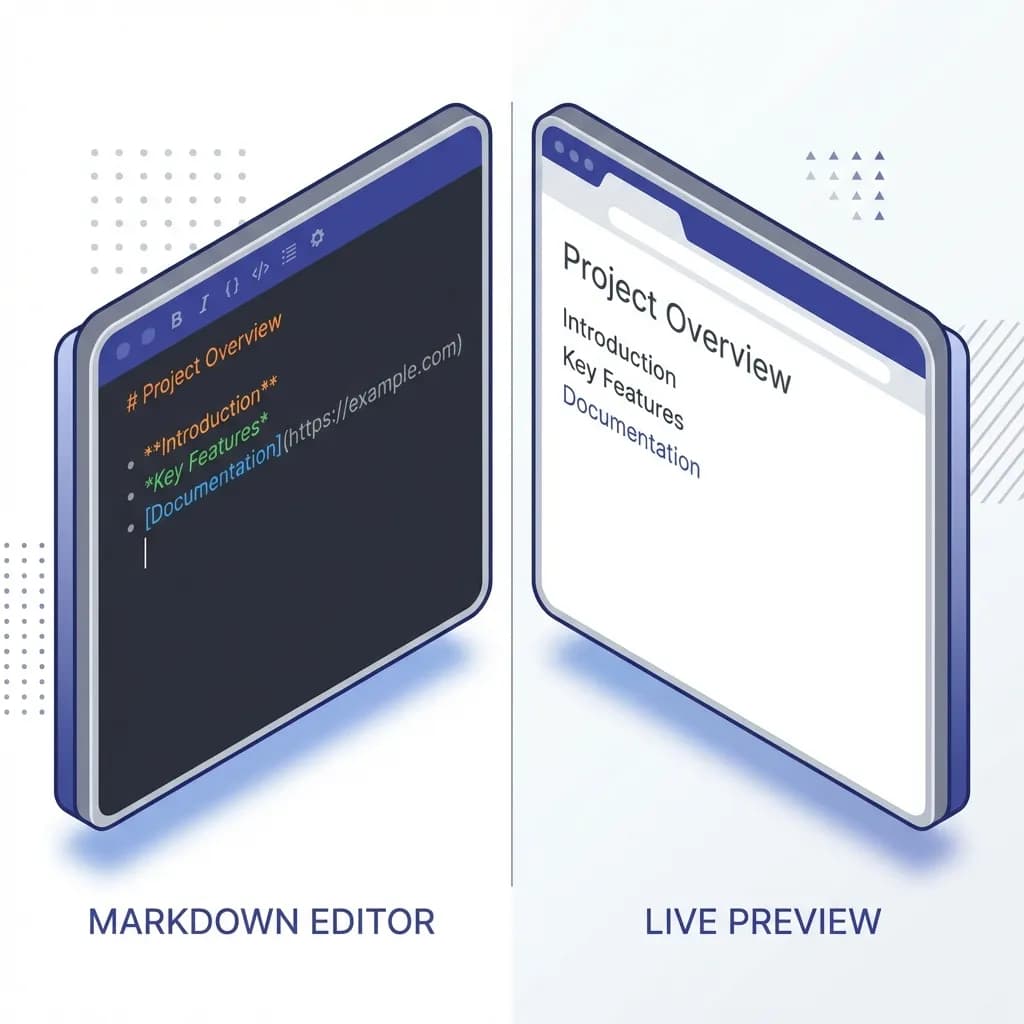
Markdown (.md)
A lightweight markup language created for easy writing and reading. It uses simple syntax to format plain text, perfect when you need to convert MD to HTML.
HTML (.html)
HyperText Markup Language is the standard markup language for documents designed to be displayed in a web browser. It provides the structure and semantic meaning for web content.
When to Convert Markdown to HTML
Web Publishing
Instantly turn your drafts into web pages for blogs, documentation sites, or static websites.
Email Newsletters
Write in Markdown and export to HTML for compatible email templates and campaigns.
CMS Integration
Paste the generated HTML directly into content management systems like WordPress or Ghost.
Learning & Education
Understand how simple text translates to web structure, great for learning HTML.
Key Features of a Markdown to HTML Converter
Semantic & Clean HTML5 Output
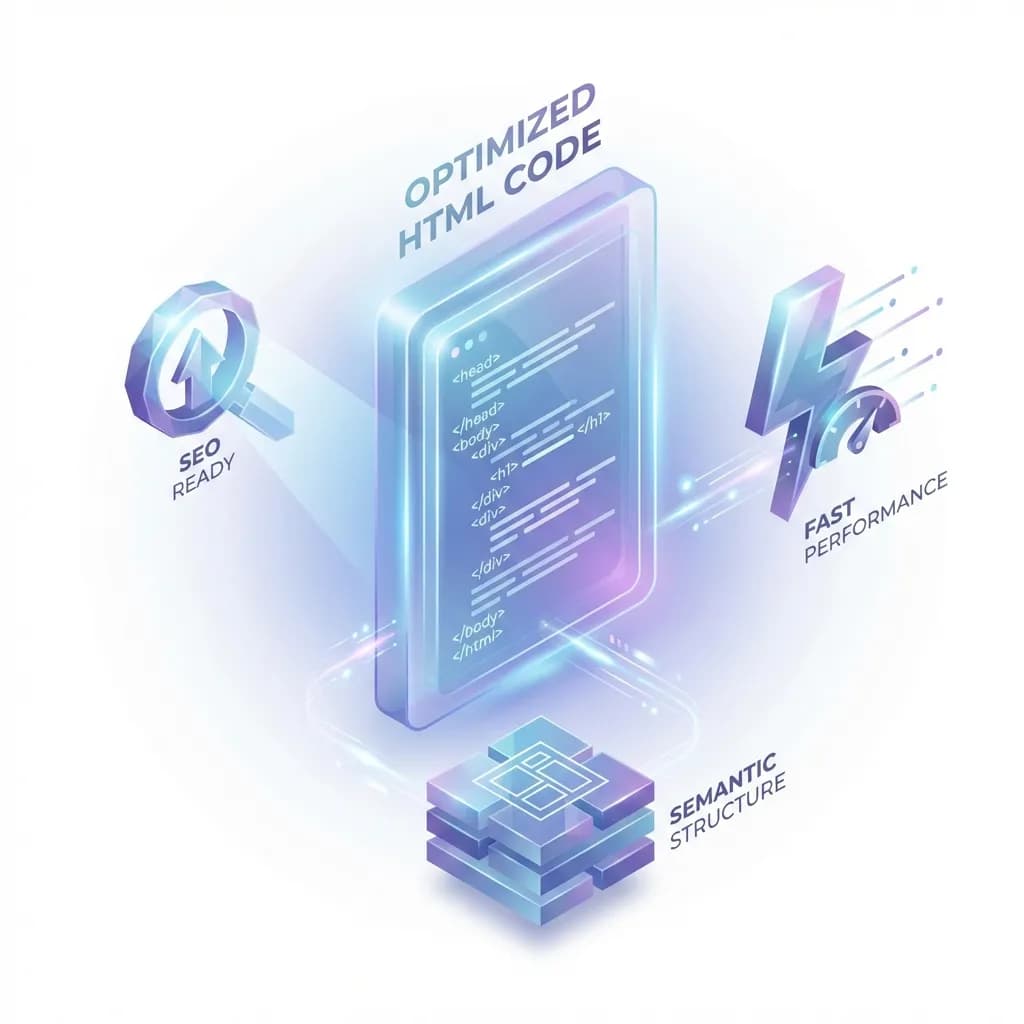
A good converter generates semantic, accessible HTML5 code with proper heading hierarchy, list structure, and table markup — resulting in SEO-friendly, web-ready output.
Rich Feature Support
Supports GitHub Flavored Markdown (GFM), including tables, task lists, code blocks with syntax highlighting, and more.
Instant Preview
See exactly how your HTML will render in a browser with our real-time side-by-side preview.
SEO Best Practices When You Convert Markdown to HTML
- 1.
Check Heading Hierarchy
Ensure you use H1 only once (usually) and nest H2-H6 correctly for accessible web pages.
- 2.
Optimize Images
Use descriptive alt text for images in your Markdown to improve accessibility and SEO in the final HTML.
- 3.
Verify Links
Ensure all your links are valid and pointing to the correct destinations before converting.