Mastering ChatGPT Markdown Output: Essential Prompts & Tips

Want ChatGPT to return well-formatted content every time? The key is in how you prompt it. This guide shows how to make ChatGPT generate consistent, structured Markdown responses using practical prompting techniques.
Whether you're a developer writing technical documentation or a content creator drafting blog posts, knowing how to control ChatGPT's formatting makes its output far easier to reuse. We'll cover practical prompts, formatting techniques, and how to move that output into professional documents.
Why ChatGPT Produces Markdown by Default

ChatGPT leans toward Markdown for a simple reason: it's a lightweight markup language that adds structure — headings, lists, code blocks — without the bloat of HTML or a proprietary format. That makes a response readable both as raw text and when rendered.
What's Behind It
Large language models are trained on enormous amounts of text, and a great deal of technical content — GitHub repositories, documentation sites, developer forums — is written in Markdown. A model exposed to that much Markdown naturally tends to produce it, especially for technical or instructional answers.
There's a practical payoff too: Markdown is dependency-free. Output that's already in Markdown can be dropped straight into tools like Pandoc, a static site generator, or a Jupyter notebook with no extra processing.
Why the Structure Helps
Unstructured plain text tends to produce dense "wall-of-text" answers that bury the useful parts. Markdown adds hierarchy:
- Headings to separate sections
- Bullet points for lists
- Fenced code blocks for snippets
That structure makes a response easier to scan, easier to diff in version control, and generally more accessible to screen readers than ad-hoc formatting. Not every model formats the same way — smaller or older models may need explicit formatting instructions where ChatGPT often adds structure on its own.
Understanding ChatGPT's Markdown Output
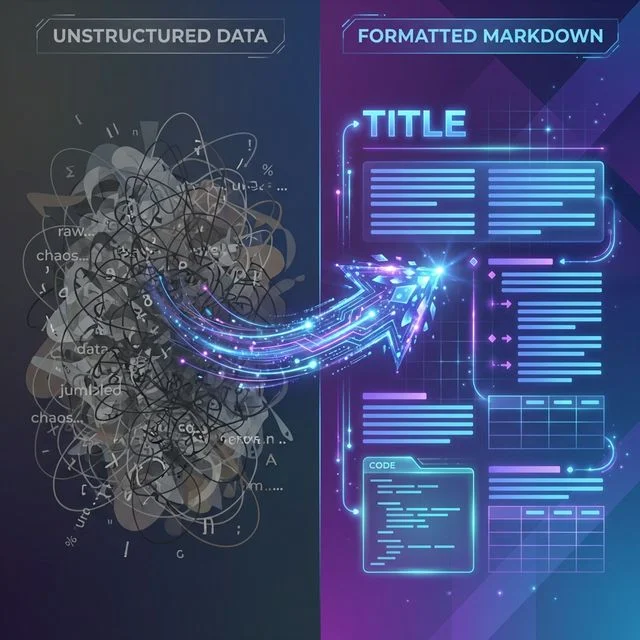
To get the most out of ChatGPT's Markdown, it helps to know roughly what it can and can't do. When you ask for a structured answer, the model inserts syntax like # for headings or - for lists based on the patterns it learned during training. It's reliable for common elements and less so for edge cases.
Supported Markdown Features
ChatGPT handles most of GitHub Flavored Markdown (GFM), which extends basic Markdown with tables, task lists, and strikethrough. For example, it can output:
## Sample Heading

- Item 1
- Item 2 with **bold** text

| Column 1 | Column 2 |
|----------|----------|
| Data A   | Data B   |

```python
def hello():
    print("World")
```
One practical limit: very long or complex tables can get truncated in lengthy responses, so it's worth keeping generated tables compact.
Common Elements in Responses
ChatGPT maps your intent to syntax. Ask for a "step-by-step guide" and it usually returns a numbered list; ask for an explanation and you get paragraphs. Bold (**text**) and italics (*text*) mark key terms.
It also handles:
- Inline code (
`code`) for variables and short snippets - Blockquotes (
> quote) for callouts - Links as
[anchor](URL)
If you need strict, parser-safe Markdown, asking explicitly for "strict Markdown" reduces small inconsistencies like irregular escaping.
Plain Text vs. Markdown
A plain-text explanation of, say, an algorithm can run for hundreds of words with no visual breaks, which makes it hard to follow. The same content in Markdown uses subheadings and lists to chunk the information, which generally improves readability.
The difference also matters for tooling: Markdown's consistent delimiters make it far easier to parse and convert reliably than free-form prose. The main caveat is extension support — GFM tables work well, but more niche syntax (footnotes, custom emoji) may not render everywhere.
How to Get Consistent Markdown Output

Consistent Markdown comes down to clear prompting. Put your formatting instruction early in the prompt so it shapes the whole response.
Start With a Simple Directive
A basic instruction like "Respond in Markdown format" sets a baseline. For example:
Prompt: "Explain REST APIs in Markdown format."
Typical output:
# REST APIs Explained

REST (Representational State Transfer) is an architectural style for web services.

## Key Principles
- **Stateless**: Each request contains all the information needed.
- **Client-Server**: Separation of concerns.
Adding "use headings and lists" sharpens it further, so even short answers come back structured rather than as a plain paragraph.
Refine for Specific Features
To target particular elements, be specific:
Example: "Generate a Markdown table comparing Python frameworks, including links to the docs."
This returns a table with anchor links, e.g. [Django](https://docs.djangoproject.com/).
For multi-part output, chain prompts: ask for the content first, then ask the model to reformat it. A few useful habits:
- Specify "GitHub Flavored Markdown" when you need tables or task lists.
- Iterate with short corrections like "make the lists bulleted."
- Keep individual requests reasonably scoped so long responses don't get truncated mid-format.
Prompt Examples for Markdown Output
Below are example prompts, organized from basic to advanced.
Basic Prompts
For routine tasks, these return quick, formatted output:
Article writing
Write a short article on JavaScript closures in Markdown.
Returns headings, bold key terms, and code blocks.
Task lists
Create a to-do list for deploying a Node.js app in Markdown with checkboxes.
Returns GFM task lists: - [ ] Install dependencies
Summaries
Summarize quantum computing basics in Markdown bullets.
Returns a scannable bulleted list.
Q&A
Answer: What is OAuth? Use Markdown headings.
Structures the answer under headings like # Overview and ## Flow.
Brainstorming
List 5 blog ideas for AI ethics in Markdown.
Returns a clean, hierarchical list.
Advanced Prompts
For technical output, chain prompts to build up complexity:
Code documentation:
First, write a Python sorting algorithm. Then format the explanation
in Markdown with fenced code blocks, a table for Big O complexity,
and a link to the CPython docs.
Typical output:
## Quicksort Implementation

```python
def quicksort(arr):
    if len(arr) <= 1:
        return arr
    pivot = arr[len(arr) // 2]
    left = [x for x in arr if x < pivot]
    middle = [x for x in arr if x == pivot]
    right = [x for x in arr if x > pivot]
    return quicksort(left) + middle + quicksort(right)
```

### Complexity Analysis

| Operation | Time Complexity | Space Complexity |
|-----------|-----------------|------------------|
| Best      | O(n log n)      | O(log n)         |
| Average   | O(n log n)      | O(log n)         |
| Worst     | O(n²)           | O(n)             |

See [CPython sorting docs](https://docs.python.org/3/howto/sorting.html) for details.
Data tables with math:
Generate a Markdown table of ML model benchmarks,
and include LaTeX notation for any equations.
This pushes GFM further — inline LaTeX such as $E = mc^2$ renders as an equation once converted.
Best Practices for Reliable Output
Getting consistent results lines up with general prompt-engineering advice: be clear, be specific, and iterate. Both OpenAI and Anthropic publish prompt-engineering guides worth reading if you do this often.
Staying Consistent Across a Session
If you use the API, a system prompt locks in the format:
You are a Markdown expert. Always respond in well-structured Markdown.
Lower temperature settings (around 0.2–0.5) reduce variation, and a sensible max-tokens cap keeps responses from being cut off mid-format. In the web interface, restating the instruction — "format the answer in Markdown" — keeps long conversations from drifting back to plain text.
Troubleshooting Inconsistent Responses
Partial formatting, like missing code fences, usually comes from an ambiguous request. A few fixes:
- Append "put all code in triple backticks" when fences go missing.
- For overly long lists, ask for "concise Markdown."
- If the response mixes languages, specify "respond in English Markdown."
Converting ChatGPT Markdown to Word
ChatGPT's Markdown makes a great draft, but many teams still need a Word document for review and sign-off. Converting bridges that gap.
Why Convert to Word
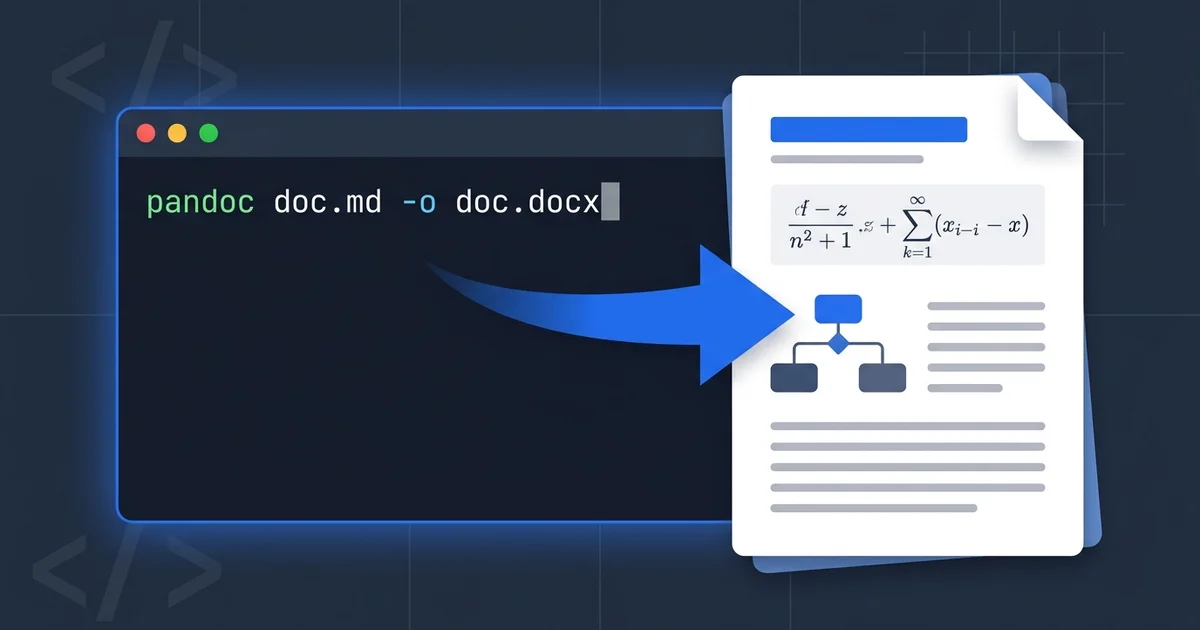
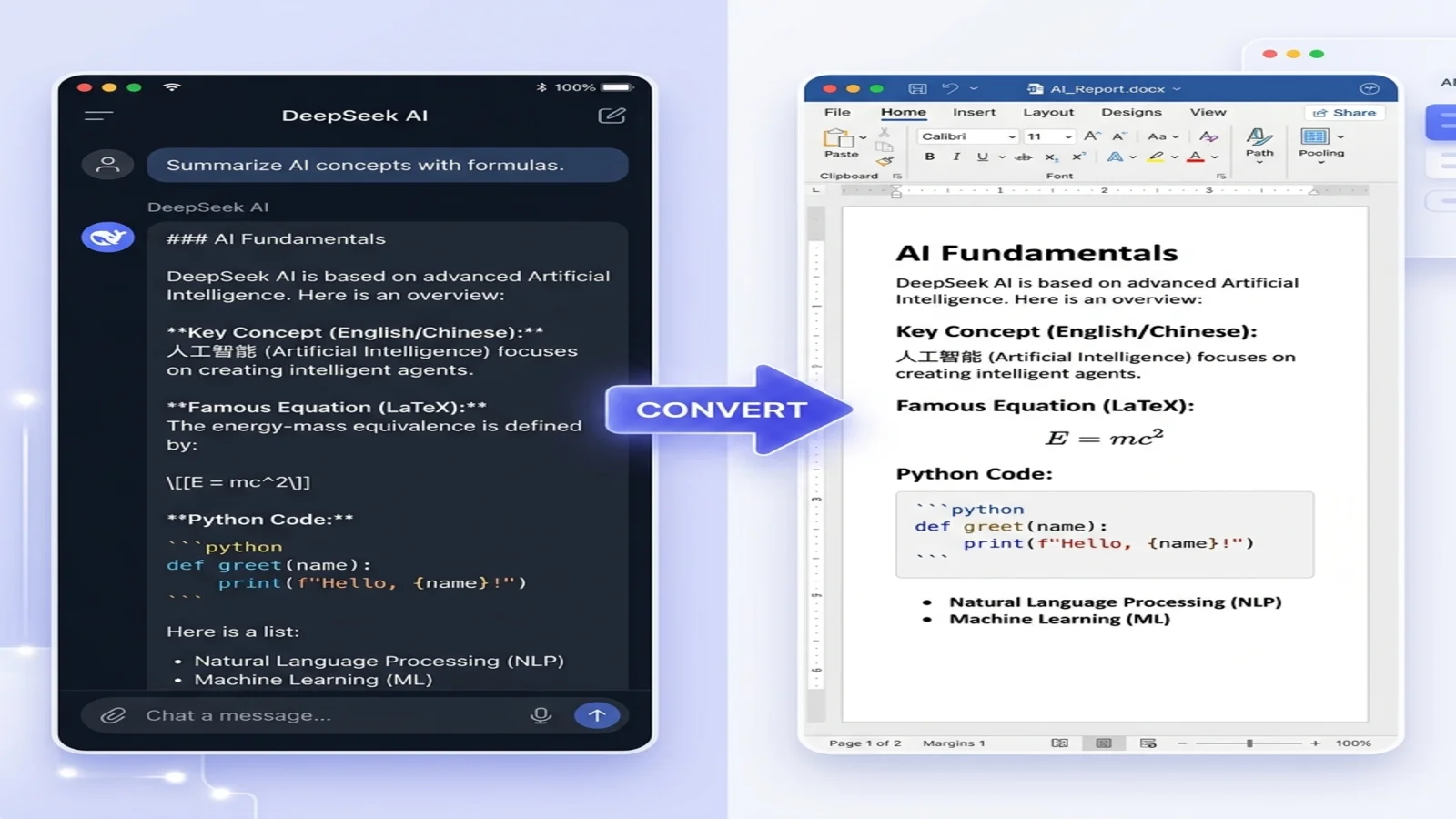
Markdown suits drafting and version control; Word suits collaboration, with track changes and familiar styling. A converter that supports GFM moves headings, tables, code blocks, and even LaTeX equations into a .docx without manual reformatting — and Word can then auto-generate a table of contents from the Markdown headings.
For a primer on the syntax itself, see our How to Write in Markdown tutorial.
Step-by-Step Conversion
- Copy the Markdown output from ChatGPT.
- Open the Markdown to Word converter.
- Paste or upload your Markdown — GFM tables and code blocks are supported.
- Download the
.docx; bold, links, and tables transfer intact. - Open in Word for any final edits.
The process handles LaTeX math and takes only a few seconds for a typical document.
Real-World Applications
ChatGPT's Markdown output fits naturally into content pipelines, from first draft to publication.
Blog Writing Workflow
A typical flow: prompt ChatGPT — "draft a post on AI prompting in Markdown" — get a structured draft, convert it via the Markdown to Word tool, polish it in Word, then publish. The benefit is consistent structure from the start, so less time goes into reformatting and more into the actual content. Pasting raw Markdown straight into some CMS editors breaks formatting, so converting first avoids that.
Technical Documentation
For developer guides, ChatGPT can generate Markdown skeletons for READMEs and API docs, with tables for parameters and benchmarks. From there you can convert Markdown to PDF for final deliverables or Markdown to HTML for web publishing. Because Markdown is modular, updating one section later doesn't mean reformatting the whole document.
Common Pitfalls and How to Avoid Them
ChatGPT's Markdown is strong on structure, but a few prompting mistakes come up repeatedly.
Frequent Prompting Errors
- Over-specifying: Asking for things Markdown can't do — "use blue links," "exactly 5 headings at 12pt" — leads to inconsistent results. Stick to what the syntax supports.
- Vague requests: "List the pros and cons" may return plain text; "give me a Markdown table of pros and cons with columns X, Y, Z" returns a proper table.
- No language tag on code: Always ask for a language identifier so code blocks are tagged (
python rather than a bare).
Prototype with short prompts and iterate before relying on a long one.
Markdown vs. Other Formats
Markdown isn't the answer for everything. It's well-suited to text-heavy, narrative output and converts cleanly to other document formats. For structured data interchange, JSON is a better fit; for interactive interfaces, you need actual UI code. Choose Markdown where its strengths — readability, portability, easy conversion — actually matter.
Frequently Asked Questions
Q: Can I use this with Claude or other AI models?
A: Yes. The same Markdown prompting approach works with any AI that formats text — just ask for "output in Markdown format."
Q: How do I preserve bold and italic formatting?
A: Markdown uses **bold**, *italic*, and ***bold italic***, which ChatGPT produces natively and which convert to the matching Word formatting.
Q: What about mathematical formulas?
A: Ask for LaTeX notation — e.g. "explain the quadratic formula using LaTeX in Markdown" — and ChatGPT returns $$\frac{-b \pm \sqrt{b^2-4ac}}{2a}$$, which converts to a proper equation.
Q: Is there a length limit?
A: ChatGPT's context window depends on the model. For very long documents, work in sections and combine them afterward.
Q: Does this work for tables?
A: Yes. Ask for "a comparison table in Markdown format" and specify the columns; the output is GFM-compliant and converts cleanly.
Related Resources
- Markdown to Word Guide: A complete conversion tutorial
- Markdown to PDF: Convert directly to PDF for final deliverables
- Markdown to HTML: Create web-ready content
- How to Write in Markdown: Learn the syntax from scratch
Conclusion
Controlling ChatGPT's Markdown output is mostly about prompting deliberately: ask for Markdown explicitly, specify the elements you need, and iterate when the result drifts. Pair that with a reliable converter and the model's output becomes a genuine first draft for documentation, articles, and reports — not something you have to reformat by hand.
Ready to put it to use? Try our free Markdown to Word converter with your next ChatGPT response.
Find this tool helpful? Help us spread the word.