Markdown for AI: Why It's Essential for LLM Workflows

Spend any time around AI tooling and a pattern stands out: prompts, model cards, retrieval source documents, and dataset annotations are written in Markdown far more often than in PDF or Word. That isn't only a developer habit. Markdown's plain-text structure, semantic clarity, and universal compatibility make it a natural fit between human-readable content and machine-processable data.
This guide explains why Markdown works well for AI and LLM content, and how to structure it for better results with language models.
Understanding the Fundamentals
Markdown's strength is its simplicity. It was created as a lightweight markup language meant to be readable in its raw form while converting cleanly to HTML. For AI applications, that structured simplicity is exactly what makes it useful.
Why Plain Text Matters for Machine Learning
Unlike binary formats such as PDF or DOCX, a Markdown file is pure text. That has real consequences for AI workflows:
- Direct ingestion: Markdown can be fed to a language model with no extraction or preprocessing step.
- Version control: Git handles text-based diffs cleanly, which matters for collaborative datasets and prompt libraries.
- Lightweight storage: The same document is far smaller as Markdown than as a Word or PDF file.
- Universal compatibility: Any system or tool can read it.
For training and retrieval pipelines, that simplicity removes a whole class of problems — no proprietary parsers, no extraction errors from scanned PDFs.
Semantic Structure
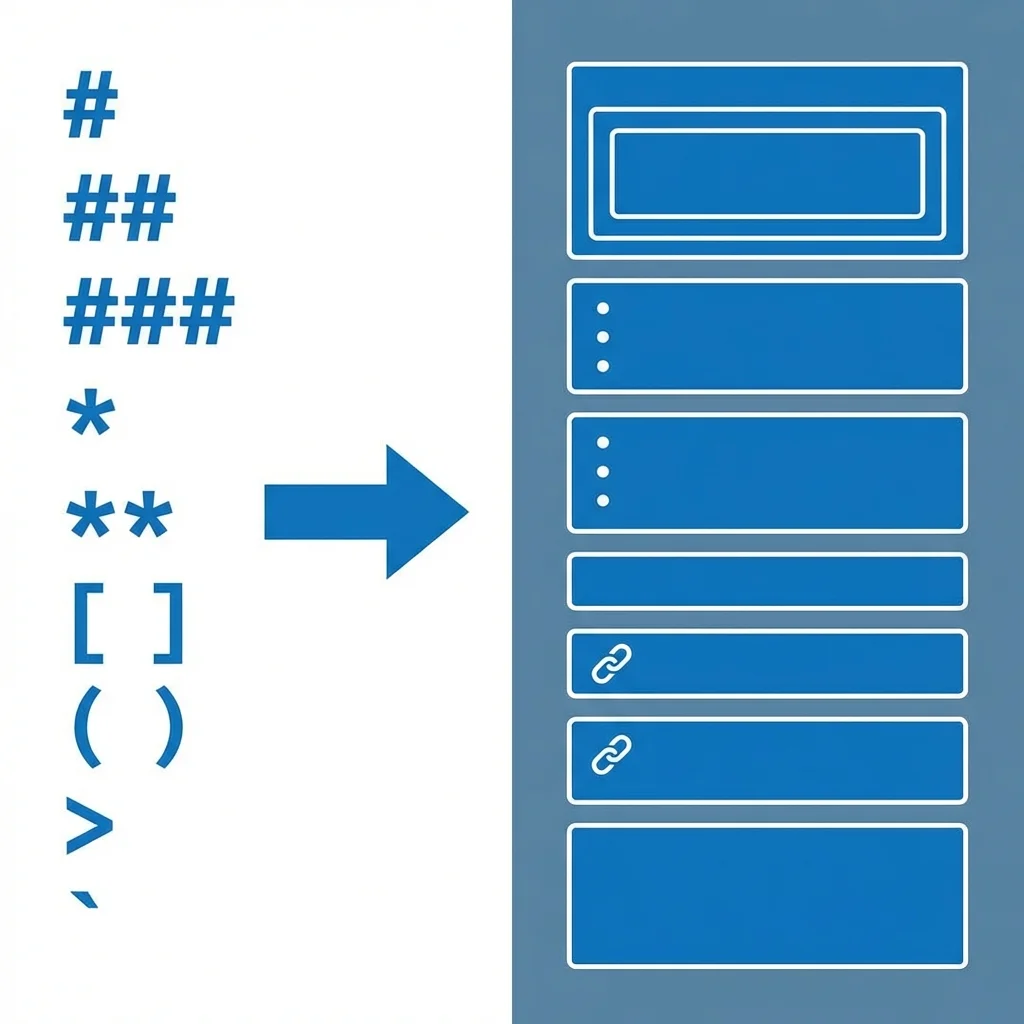
What sets Markdown apart for AI is its semantic elements. Headings (#, ##, ###) create a clear hierarchy, lists group related items, and code blocks isolate technical content. These are structural signals, not just visual formatting.
Consider this example:
## Training Configuration

- Model: transformer-based
- Dataset size: 10M tokens
- Batch size: 32

### Hyperparameters

| Parameter | Value |
|-----------|-------|
| Learning rate | 0.001 |
| Epochs | 50 |
The headings mark topic boundaries, the list presents sequential information, and the table holds structured data. A model reading this has explicit cues about how the content is organized, rather than having to infer structure from prose alone.
How Language Models Process Structured Content

Language models break text into tokens before processing it. Markdown's delimiters — asterisks for emphasis, hashes for headings, backticks for code — are consistent, predictable markers within that token stream.
Structure as a Signal
A heading like ## Hyperparameters is a clear, consistent marker that a new section is starting. Prompt-engineering guidance from major model providers — both OpenAI and Anthropic — recommends giving models clearly delimited, well-structured input. Markdown is one straightforward way to do that.
In practice, well-structured input tends to help with:
- Staying on topic: Clear sections make it easier for a model to keep its response scoped.
- Context retention: Headings act as anchors in long documents.
- Instruction following: Separating "context" from "requirements" reduces ambiguity.
These are tendencies, not guarantees — structure helps, but it doesn't replace a well-written prompt.
Hierarchy and Attention
Transformer models weigh which parts of the input are most relevant to the task. A consistent H1 → H2 → H3 hierarchy gives that process a clearer map of the document than an undifferentiated wall of text.
Comparing Formats
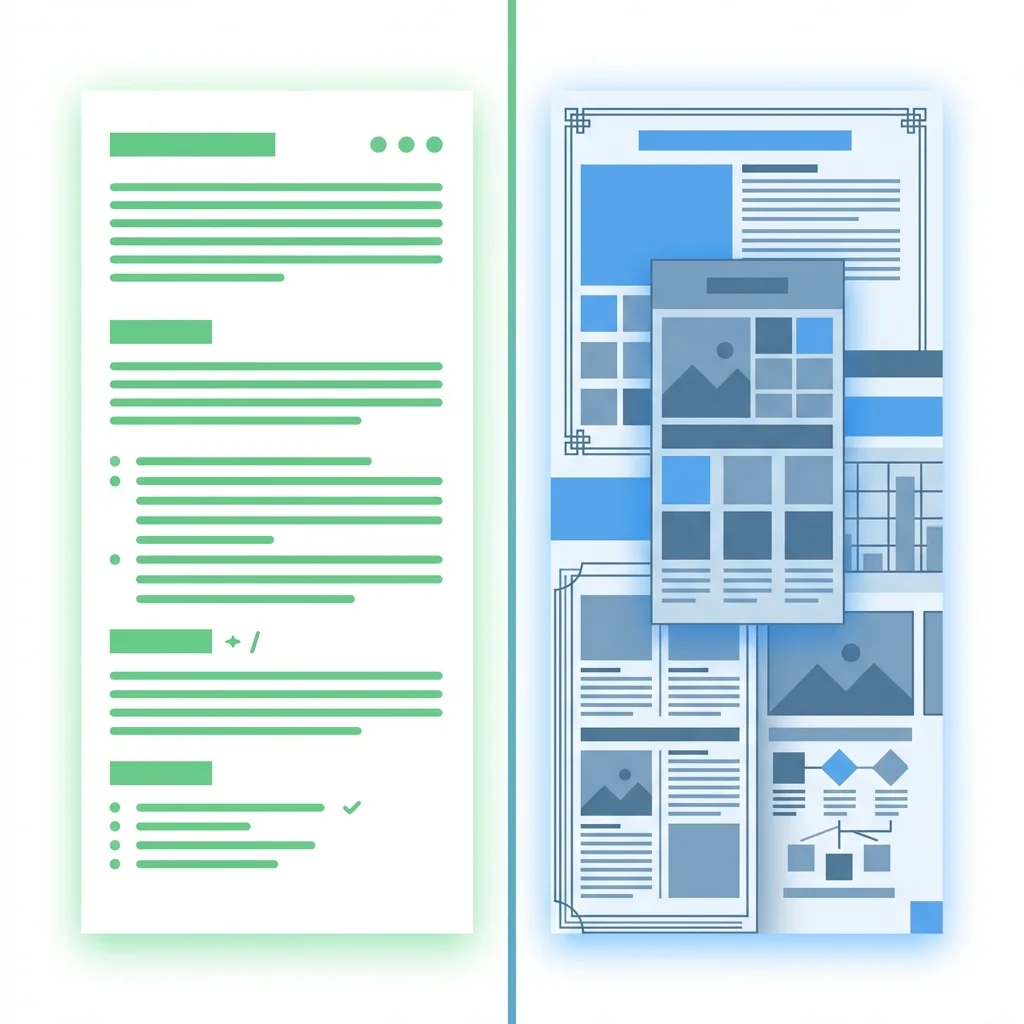
Markdown isn't the right choice for every job, but for AI workflows it has clear advantages over traditional document formats. The table below summarizes the general trade-offs:
| Format | Editability | Token efficiency | Version control | Ease of AI ingestion |
|---|---|---|---|---|
| Markdown | High | High | Native (plain text) | Direct |
| Low | Low | Difficult | Needs extraction | |
| DOCX | Moderate | Low | Difficult (binary) | Needs extraction |
| HTML | Moderate | Moderate | Workable | Direct, but verbose |
The core point is reliability. Binary formats need an extraction step, and that step is where parsing errors creep in — errors that can corrupt training data or feed a model garbled input.
Trade-offs
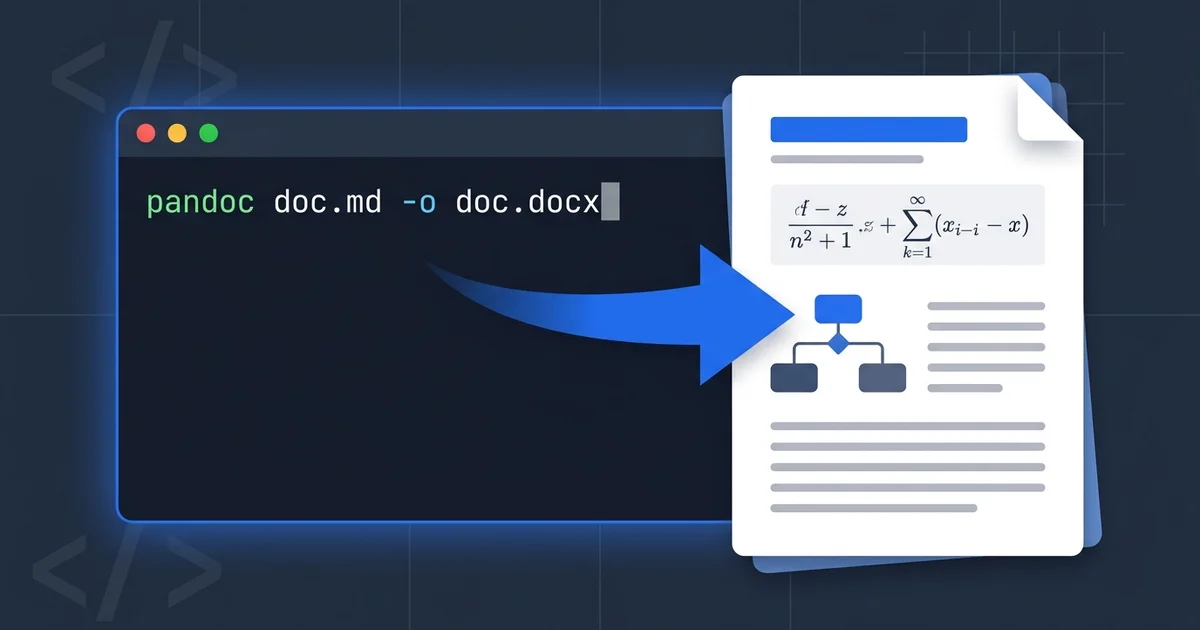
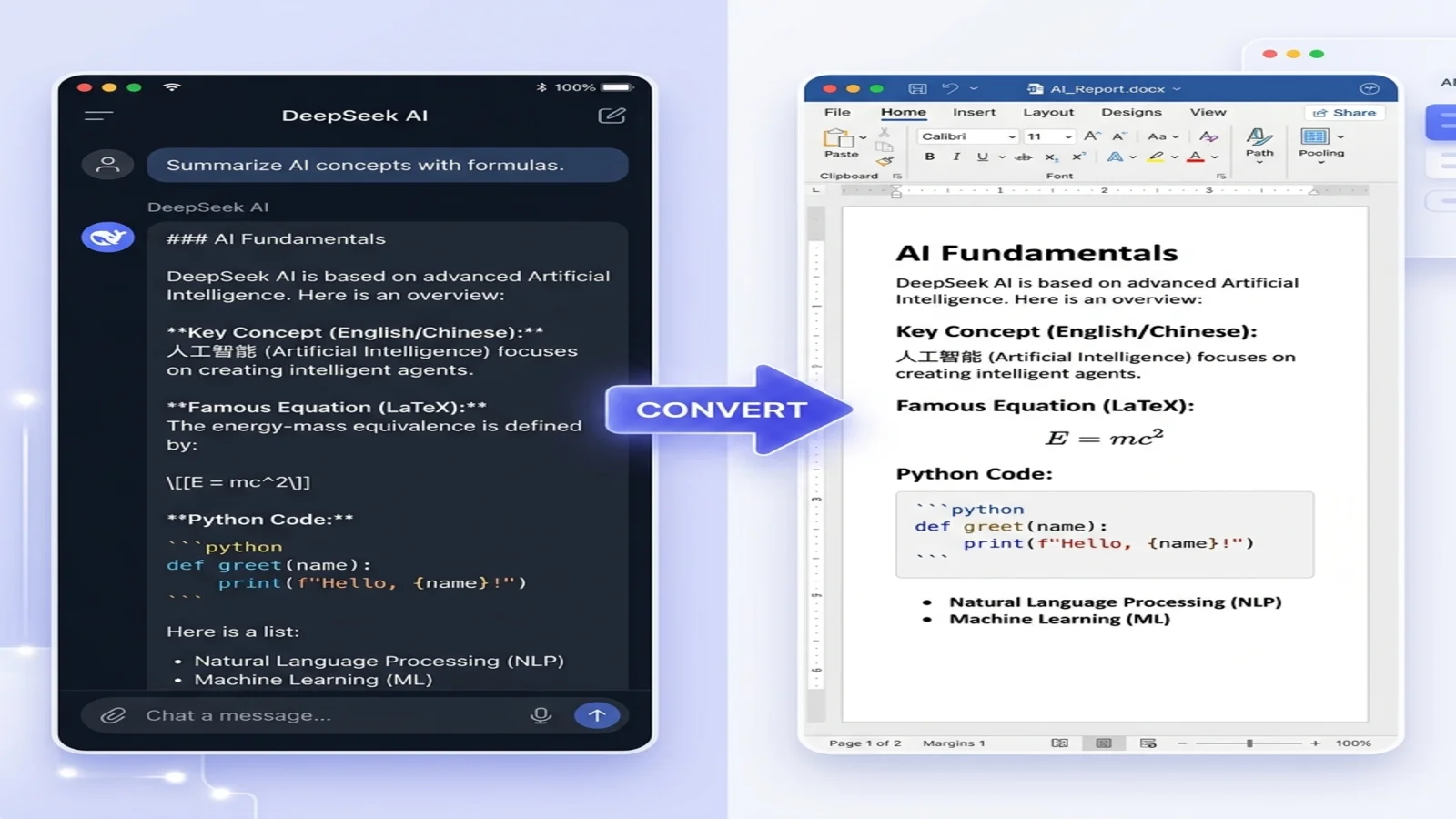
Markdown does have limits: no native support for complex layouts, embedded media needs external files, and styling is minimal. For AI work, that minimalism is mostly an advantage — content stays focused on substance. When you need a polished deliverable, a tool like our Markdown to Word converter lets you draft in Markdown and export to a professional format.
Practical Markdown Features for AI Content
A few Markdown features are especially useful when working with language models.
Tables for Structured Data
A Markdown table presents tabular information in a form a model can reason about directly:
| Model | Context window | Structured input |
|-------|----------------|-------------------|
| Example A | Large | Handled well |
| Example B | Very large | Handled well |
This is clearer than describing the same data in prose — a model can extract specific values and compare rows. Keep tables reasonably short so they don't dominate the context window.
Code Blocks for Technical Content
Fenced code blocks isolate code from surrounding text:
```python
def train_model(data, epochs=50):
    # Training logic here
    return model
```
The triple-backtick fence keeps the model from misreading code punctuation as narrative — important when generating code or documenting APIs.
Lists for Sequential Information
Ordered and unordered lists signal different relationships:
- Unordered lists (
-or*) for sets of concepts or features - Ordered lists (
1.,2.) for steps that happen in sequence
Matching the list type to the content helps a model follow instructions in the intended order.
Using Markdown in an AI Workflow

Dataset Preparation
Structuring annotation data in Markdown from the start keeps it readable and editable:
- Use headings to separate categories or examples.
- Use lists for multi-turn conversations or sequential data.
- Keep hidden context in HTML comments (
<!-- key: value -->) when you need metadata that shouldn't appear in the visible text.
For many annotation tasks this is easier to write and review than raw JSON or CSV.
Prompt Engineering
Markdown gives prompt templates a clear shape:
## Task: Summarize the following article

### Context
[Article text here]

### Requirements
- Length: 3-5 sentences
- Focus on key findings
- Maintain an objective tone
Separating the task, the context, and the requirements into labeled sections makes the instructions easier for a model to parse.
Documentation and Model Cards
Markdown is the standard for model documentation — Hugging Face model cards are written in it. It lets you combine specifications in tables, examples in code blocks, explanatory prose, and citations as links, all in a single Git-friendly source file.
Optimization Tips

Keep Heading Levels Consistent
Use headings progressively — don't jump from H1 to H3. A consistent hierarchy keeps the document's structure unambiguous. A linter such as markdownlint can enforce this automatically in a CI pipeline.
Escape Special Characters
Escape characters that would otherwise be interpreted as syntax:
Use `\*` to display an asterisk literally
This avoids cases where a model — or a downstream parser — misreads the symbol.
Manage the Context Window
LLMs have token limits. Keep Markdown documents modular: break long files into sections that can be processed independently rather than relying on one oversized file.
Common Pitfalls to Avoid
A few recurring mistakes are worth watching for:
- Inconsistent whitespace: Mixing tabs and spaces can break some parsers.
- Over-nesting: Lists more than three or four levels deep become hard to follow — for models and people alike.
- Unescaped characters: Validate code blocks so stray symbols don't change the parse.
- Flavor mismatches: Stick to a widely supported variant — the CommonMark spec and GitHub Flavored Markdown are the safest baselines.
Testing with a few sample inputs before a large run catches most of these early.
Where Markdown Is Headed

Markdown keeps absorbing the needs of AI work. Mermaid syntax represents diagrams as text, and YAML frontmatter carries metadata without cluttering the body. Both keep documents in a single plain-text file that stays diff-able and easy to process.
When to Use Something Else
Markdown isn't always the answer. Highly visual content may be better as HTML. Structured data interchange is usually better as JSON. And for a final deliverable that needs precise formatting, convert to Word or PDF — our free converter handles that step.
Use Markdown where it genuinely excels: drafting, collaboration, version control, and feeding structured content to language models.
Getting Started
If Markdown isn't yet part of your AI workflow, start small:
- Write your next prompt template in Markdown instead of plain text.
- Structure a small dataset with headings and lists.
- Run it through your usual model and compare the results with an unstructured version.
As you get comfortable, add tables, code blocks, and metadata where they help.
For teams moving away from traditional formats, a hybrid approach works well: draft in Markdown for speed and collaboration, then convert to a polished format for delivery. Our blog has more tutorials on that workflow.
Conclusion
Markdown's popularity in AI and machine learning comes from practical advantages that add up across the whole development lifecycle: plain-text simplicity, semantic structure, and universal compatibility. For training data, prompt templates, and model documentation, it's a reliable, low-friction format.
The learning curve is small. Structure one project in Markdown, compare it with your current approach, and let the results decide.
Find this tool helpful? Help us spread the word.