The Best Markdown to Word Converter | Free online tools
Easily convert Markdown to high-quality Word documents for free instantly. Built for 2026 standards with full GFM support. Preserves complex tables, LaTeX math, Mermaid diagrams, and code blocks formatting perfectly.
Convert Markdown to Word
Preview Your Word Document
Preview Your Word Document
Start typing or paste your Markdown content to see the preview
Find this tool helpful? Help us spread the word.
Quick Tips:
- All processing happens in your browser - your files never leave your device
- Supports full GitHub Flavored Markdown syntax
- The preview updates in real-time as you type
- Supports .md or .markdown files (max 10MB)
Recommended Tools
Try other tools to keep your workflow going
Complete Guide to Converting Markdown to Word
Learn how to seamlessly use our online converter to transform your Markdown (MD) files into professional Word documents. Whether you're a developer, content creator, or technical writer, our guide helps you master the conversion process.
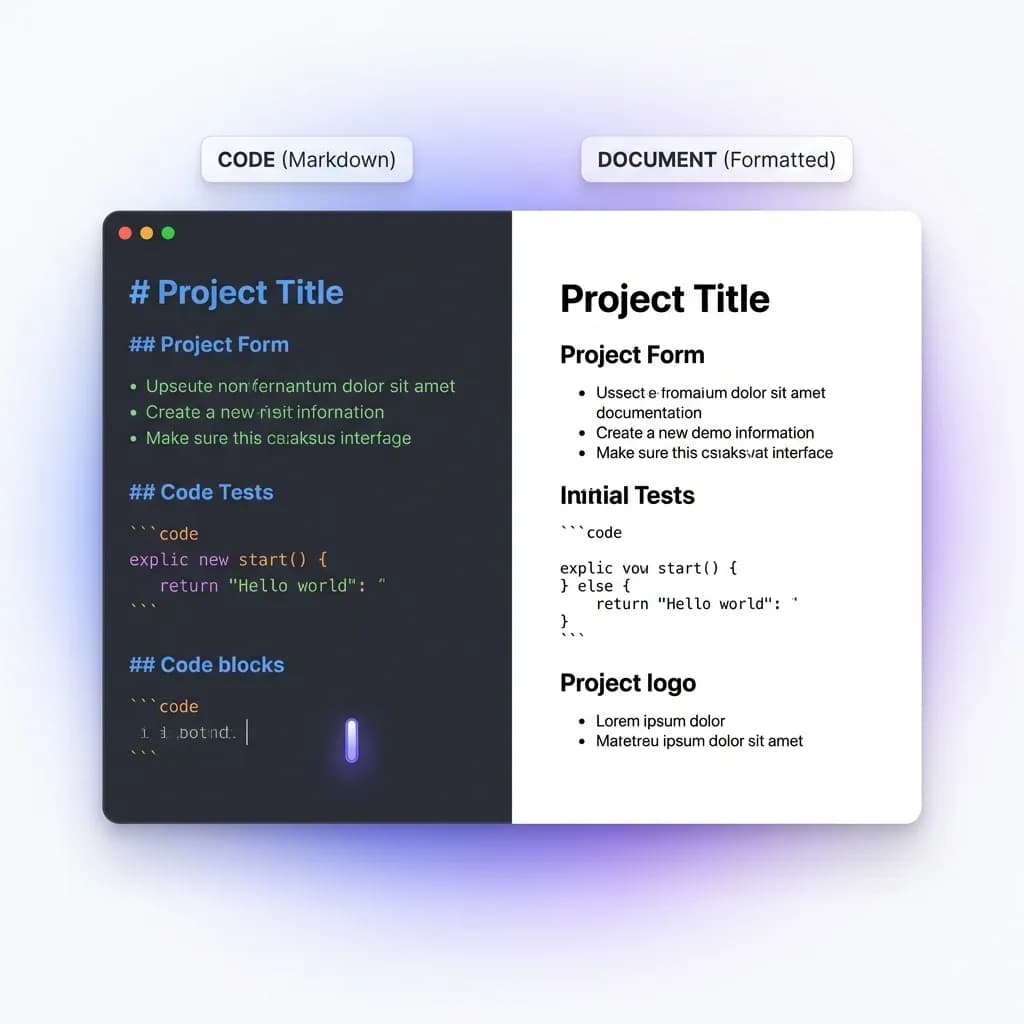
Understanding Markdown and Word Document Formats
Markdown (.md)
A lightweight markup language created for easy writing and reading. It uses simple syntax with plain text formatting, making it ideal for version control, documentation, and converting to HTML or PDF.
Word (.docx/.doc)
Microsoft's industry-standard document format used globally for professional documentation. It offers rich formatting options, collaboration features, and compatibility with corporate environments.
Why Convert Markdown to Word Documents?
Professional Documentation
Convert technical docs into polished Word files for client deliverables and official reports
Team Collaboration
Share documents with colleagues who prefer Word's familiar editing environment
Academic Submissions
Prepare research papers and theses in Word format required by journals and institutions
Publishing Workflows
Export manuscripts and articles to Word for traditional publishing systems
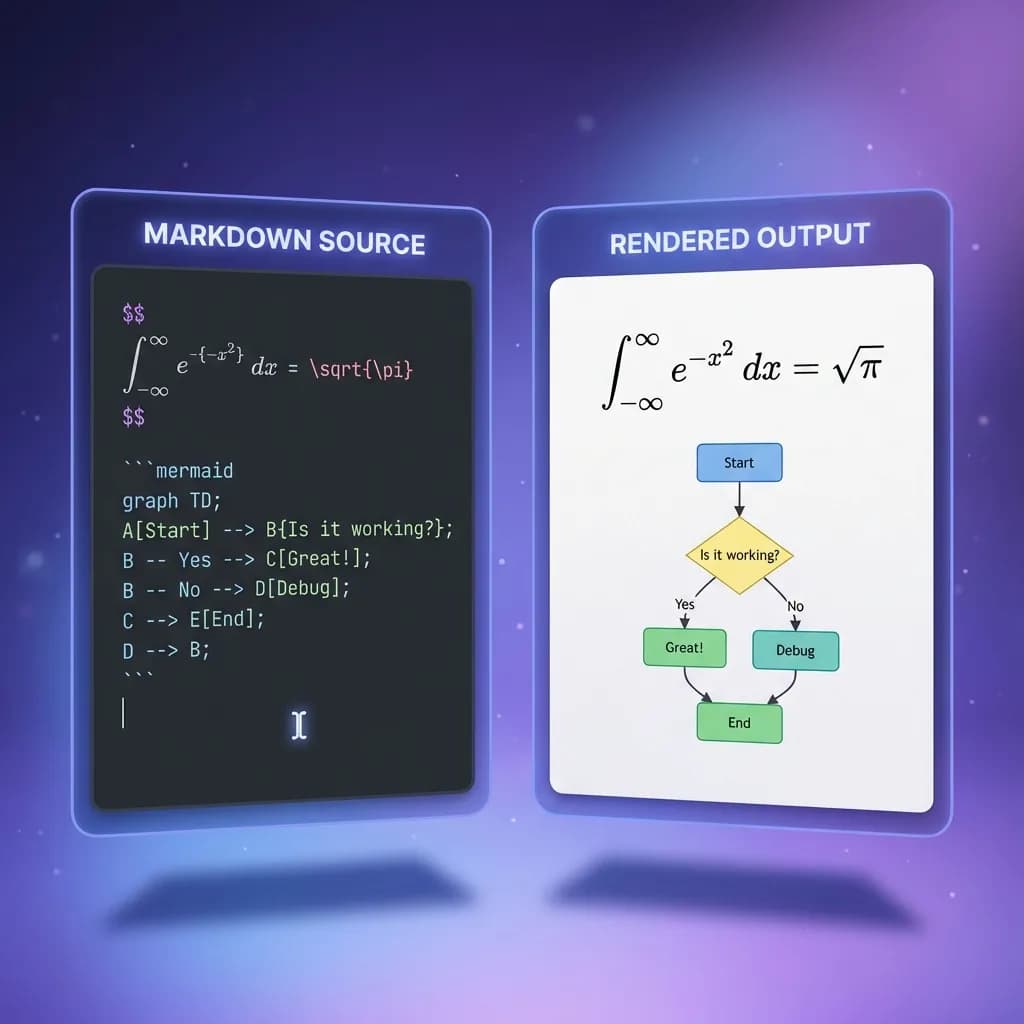
Handling Complex Markdown: Tables, Math & Diagrams
Precise Format Preservation
Our converter maintains the integrity of your Markdown formatting—headers, lists, code blocks, tables, emojis, images, LaTeX, Mermaid, footnotes, GitHub alerts, and emphasis are accurately translated into Word elements, preserving your document structure perfectly.
Live Preview Feature
See real-time rendering of your Markdown content before conversion. This allows you to verify formatting, catch errors, and make adjustments for optimal Word output.
Multiple Format Support
Choose between .docx (modern) and .doc (legacy) formats to ensure compatibility with different Word versions and meet specific requirements from clients or institutions.
Best Practices for Markdown to Doc Conversion
- 1.
Use Standard Markdown Syntax
Stick to common Markdown conventions and avoid platform-specific extensions to ensure the best conversion results across all elements.
- 2.
Preview Before Downloading
Always check the preview pane to verify your content renders correctly and meets your formatting expectations before generating the Word file.
- 3.
Select Appropriate Word Format
Choose .docx for modern compatibility and smaller file sizes, or .doc for legacy systems and older Word versions.
- 4.
Organize Content Hierarchy
Use proper heading levels (H1-H6) and structured lists to maintain document hierarchy that translates cleanly into Word's outline structure.
Features of our Free Markdown to Word Converter
Built for developers, writers, and teams who value their time
Lightning Fast
Convert your Markdown files in milliseconds. No waiting, no processing delays.
Privacy First
All conversions happen in your browser. Your files never touch our servers.
Perfect Formatting
Preserve headings, lists, code blocks, tables, emojis, images, LaTeX, Mermaid, footnotes, GitHub alerts, and all Markdown GFM syntax.
Instant Download
Download your .docx file immediately. Compatible with all Word versions.
Syntax Highlighting
Code blocks automatically formatted with proper highlighting for technical docs.
How to Convert Markdown to Word
Three simple steps to convert your Markdown to Word
Upload Your Markdown
Drag and drop your .md file or paste your Markdown text directly into the editor.
Preview & Edit
Review the converted document in real-time. Make any adjustments if needed.
Download Word File
Click download to get your professionally formatted .docx file instantly.

Frequently Asked Questions
Everything you need to know about converting Markdown to Word
Ready to Convert Markdown to Word?
Start converting your Markdown files to Word documents in seconds
No signup required · 100% free · Privacy-focused